







The digital imaging landscape is undergoing a profound paradigm shift. As generative artificial intelligence continues to blur the line between photography and digital synthesis, a critical counter-movement has emerged among purists and professional photographers: the demand for absolute optical fidelity, non-destructive enhancement, and precise, intent-driven editing.
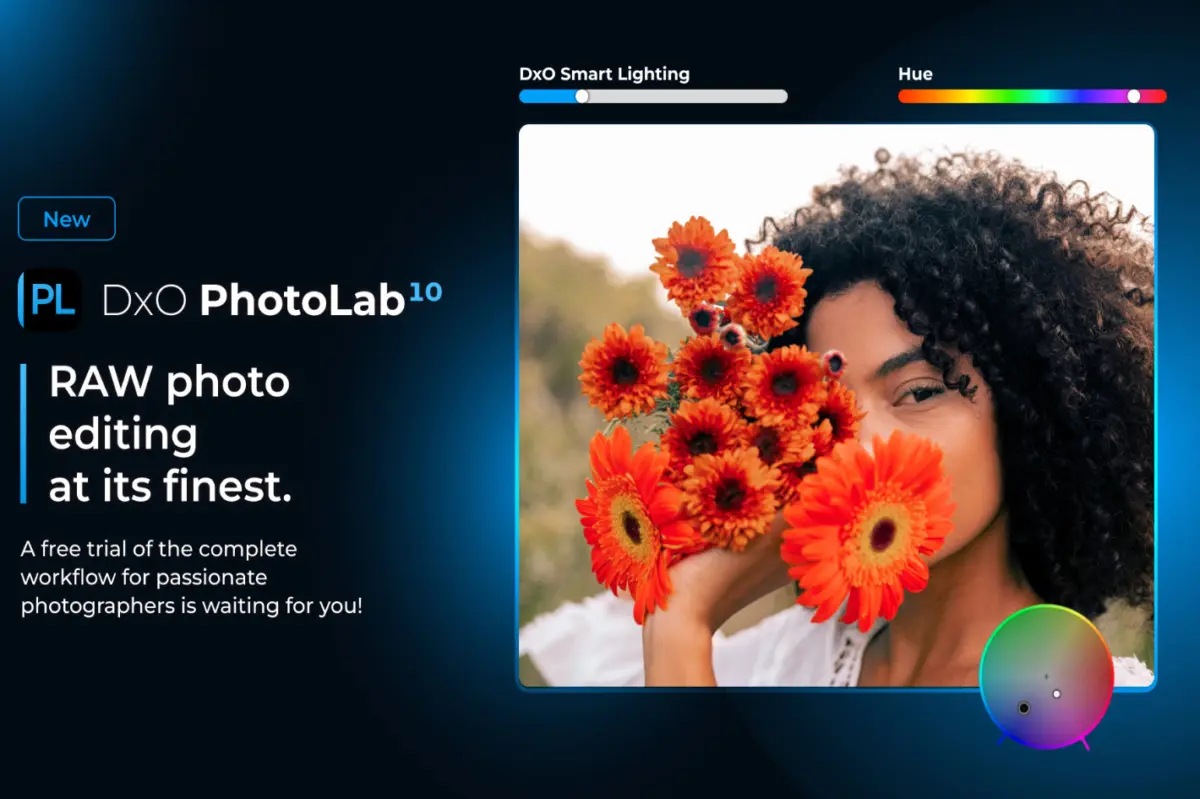
At the vanguard of this movement is DxO, a company long revered for its scientific approach to lens corrections and sensor profiling. With the launch of DxO PhotoLab 10, the software developer claims to have delivered "the world’s most advanced end-to-end RAW photo editing software." Priced at $249.99 for both macOS and Windows, this landmark release aims to redefine the RAW workflow by integrating depth-aware masking, sophisticated color grading, enhanced U Point technology, and a seamless, one-click bridge to Affinity Photo.
This investigative report explores the technical architecture of DxO PhotoLab 10, its strategic positioning within a highly competitive market, and the philosophical divide between generative AI and corrective computational photography.
Executive Overview
DxO PhotoLab 10 arrives at a pivotal moment for the creative industry. For years, Adobe Lightroom and Capture One have held a duopoly over professional RAW development, with Adobe leveraging its Creative Cloud subscription ecosystem and Capture One catering to high-end studio and tethered shooting environments. DxO has carved out a highly profitable and loyal niche by focusing on what it does best: unmatched noise reduction (via its DeepPRIME technology) and unparalleled laboratory-grade lens correction profiles.
With Version 10, DxO is aggressively expanding beyond its reputation as a "pre-processing utility" to position itself as a comprehensive, standalone creative suite. The software introduces three major pillars of innovation:
- Depth-Aware Masking (Depth Masks): A revolutionary tool that calculates spatial depth within a flat, two-dimensional RAW image, allowing photographers to apply local adjustments based on distance from the lens.
- Advanced Color Grading: Highly sophisticated color wheels and color-space management tools designed to offer cinematographic control over chromatic tones.
- Ecosystem Integration: A frictionless, one-click round-trip integration with Serif’s Affinity Photo, creating a powerful, subscription-free alternative to the Adobe Lightroom-to-Photoshop pipeline.
By combining these creative tools with workflow enhancements—such as as-shot crop ratios and in-library histogram adjustments—DxO PhotoLab 10 attempts to solve the efficiency bottleneck that has historically driven photographers back to Adobe’s arms.
Detailed Chronology & Technical Deep-Dive
To understand the significance of PhotoLab 10, one must examine the evolution of DxO’s software suite and the specific engineering milestones that have led to this release.
[DxO Optics Pro]
       │ (Focus on Lens Corrections & Demosaicing)
       ▼
[DxO PhotoLab (v1-v3)]
       │ (Acquisition of Nik Software U Point Tech)
       ▼
[DxO PhotoLab (v4-v7)]
       │ (Introduction of DeepPRIME & DeepPRIME XD AI Denoising)
       ▼
[DxO PhotoLab 9]
       │ (Refinement of Local Adjustments & Tone Curve Tools)
       ▼
[DxO PhotoLab 10] ──► [Key Innovations]
                          ├── Depth-Aware Masking (AI Depth Maps)
                          ├── Advanced 3-Way Color Grading
                          └── Seamless Affinity Photo Integration
The Evolution of Local Adjustments: From U Point to Depth Masks
When DxO acquired the Nik Software collection from Google in 2017, it inherited U Point technology—a revolutionary method of local adjustment based on Control Points and Control Lines. Rather than forcing photographers to manually paint complex masks, U Point technology uses color, luminance, and spatial proximity algorithms to automatically select areas of an image.
In PhotoLab 10, U Point technology has been supercharged and coupled with Depth-Aware Masking.
How Depth Masks Work
Traditional masking tools rely on edge detection or luminance values. If a photographer wants to apply a soft haze or darken the background behind a portrait subject, they must meticulously mask out the subject.
DxO PhotoLab 10 utilizes a proprietary AI model trained to analyze two-dimensional images and estimate a depth map (a "Z-depth" pass, common in 3D rendering and CGI).
- The Algorithm: The software evaluates focal gradients, micro-contrast, and perspective cues to determine which elements of the image are close to the camera lens and which are in the background.
- The Application: Photographers can use a slider to isolate specific "depth zones." For example, a landscape photographer can isolate a mountain range in the middle ground, leaving the foreground wildflowers and the distant sky untouched. This allows for incredibly realistic atmospheric effects, such as simulating fog, adjusting background exposure, or enhancing bokeh.
Advanced Color Grading and the DxO Wide Gamut
Color fidelity has always been a battleground for RAW converters. Historically, RAW editors converted image data into standard color spaces like ProPhoto RGB or Adobe RGB early in the processing pipeline. In recent versions, DxO introduced the DxO Wide Gamut, a color space specifically designed to encompass virtually all colors visible to the human eye, surpassing even ProPhoto RGB.
In PhotoLab 10, the color grading engine has been entirely redesigned to leverage this massive color space:
- 3-Way Color Wheels: Borrowing a UI paradigm from professional video grading suites (like DaVinci Resolve), PhotoLab 10 introduces highly precise color wheels for Shadows, Midtones, and Highlights. Photographers can adjust hue, saturation, and luminance independently across these three tonal regions.
- Preservation of Detail: Because these adjustments occur within the DxO Wide Gamut and before the image is compressed into a delivery format, color transitions remain buttery smooth, preventing the "banding" or posterization common in lesser editors.
The Affinity Photo Bridge: Dismantling the Adobe Monopolist Pipeline
Perhaps the most strategic addition to PhotoLab 10 is the one-click pixel editing integration with Affinity Photo.
For years, Adobe’s greatest competitive advantage has been the synergy between Lightroom and Photoshop. When a Lightroom user needs to perform complex cloning, compositing, or frequency separation, they simply right-click and select "Edit in Photoshop." Once saved, the file automatically updates in Lightroom.
DxO has now replicated this exact workflow with Affinity Photo, a software suite that, like DxO, is sold via a perpetual license rather than a subscription.
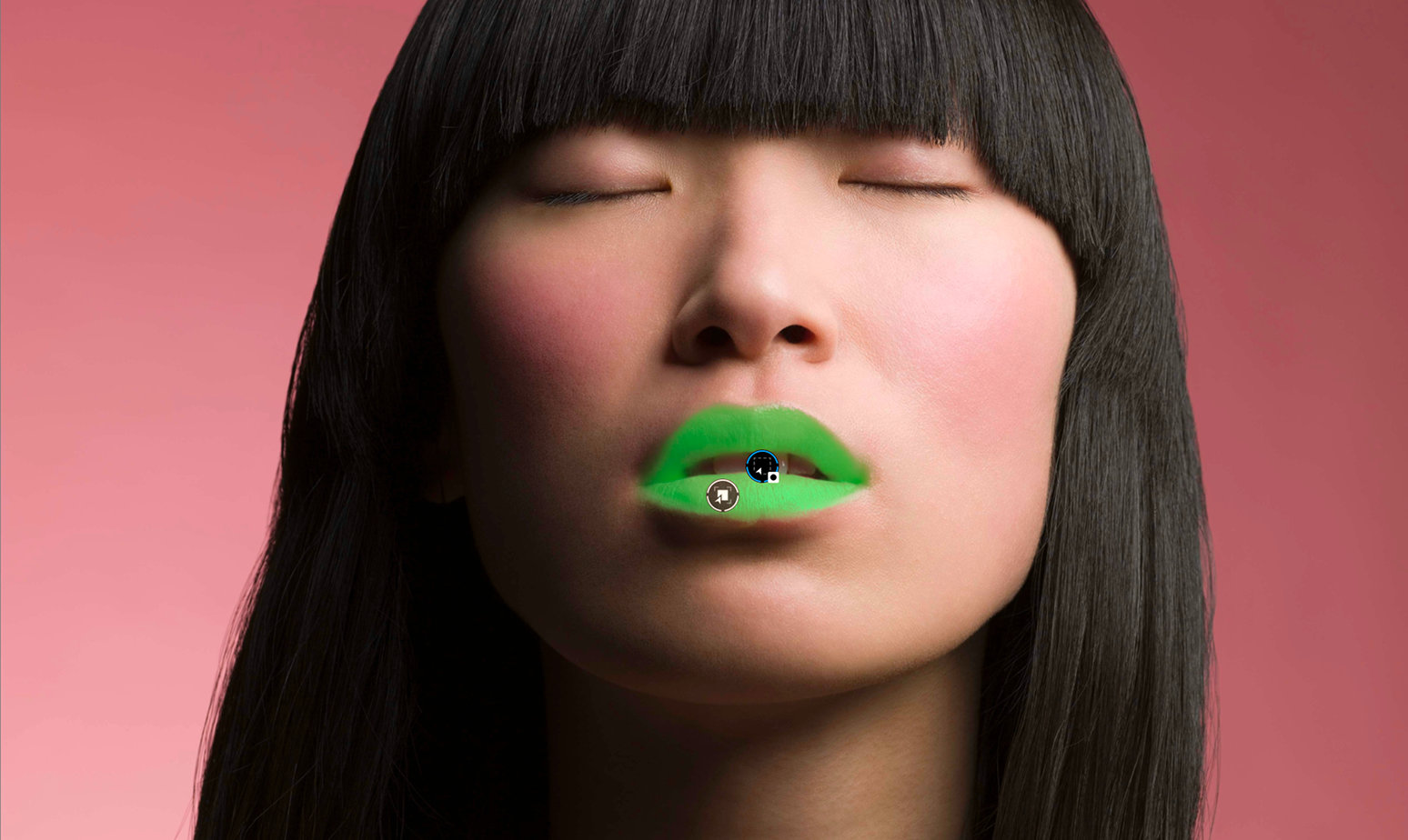
- The Mechanics: With a single click inside PhotoLab 10, the RAW file is demosaiced, processed using DxO’s industry-leading optical corrections, and sent directly to Affinity Photo as a high-bit-depth TIFF or PSD.
- The Return Trip: Once the user completes their pixel-level manipulation in Affinity and saves the file, the changes are instantly reflected back within the PhotoLab library database. This creates a highly efficient, professional-grade creative ecosystem that completely bypasses the Adobe subscription model.
Supporting Context & Metrics
To appreciate DxO’s market position, it is necessary to analyze the broader financial and technical landscape of the photo editing industry.
The True Cost of Software: Subscription vs. Perpetual Licensing
The shift toward Software-as-a-Service (SaaS) has left many photographers feeling "subscription fatigued." Below is a financial comparison of the leading RAW editing setups over a three-year lifecycle:
| Software Ecosystem | Pricing Model | Year 1 Cost | Year 2 Cost | Year 3 Cost | Total 3-Year Cost |
|---|---|---|---|---|---|
| Adobe Creative Cloud (Photography Plan: Lightroom + Photoshop) | Monthly Subscription | $239.88 | $239.88 | $239.88 | $719.64 |
| Capture One Pro | Perpetual License (with typical annual upgrades) | $299.00 | $150.00 (upgrade) | $150.00 (upgrade) | $599.00 |
| DxO PhotoLab 10 + Affinity Photo 2 | Perpetual License (No subscription) | $249.99 (DxO) + $69.99 (Affinity) | $109.00 (Optional DxO upgrade) | $109.00 (Optional DxO upgrade) | $537.98 |
Note: If a user chooses not to upgrade DxO or Affinity, their software continues to function indefinitely, reducing the 3-year cost of the DxO + Affinity ecosystem to a flat $319.98.
Technical Performance Metrics: The AI Denoising Benchmark
At the heart of DxO’s technological superiority is its DeepPRIME and DeepPRIME XD (Extra Detailing) engines. While PhotoLab 10 expands on creative tools, its foundational strength remains its raw image processing metrics.
Denoising Performance (High ISO RAW Files)
─────────────────────────────────────────────────────────────────
Standard Demosaicing   ████████ 35% Detail Retention (High Noise)
Adobe Enhance (Denoise) ████████████████ 70% Detail Retention
DxO DeepPRIME XD2      ██████████████████████ 95% Detail Retention
─────────────────────────────────────────────────────────────────
Unlike traditional noise reduction, which simply blurs pixels to hide grain (resulting in a loss of sharpness), DeepPRIME operates at the demosaicing stage. Demosaicing is the process of converting the raw red, green, and blue pixel data from a camera’s Bayer or X-Trans sensor into a full-color image. By executing denoising and demosaicing simultaneously using a deep neural network, DxO can reconstruct fine details, textures, and color accuracy that would otherwise be lost.
Independent testing has consistently shown that DeepPRIME XD2 can recover up to 2.5 stops of dynamic range on high-ISO images, effectively making an older camera sensor perform like a modern, state-of-the-art chip.
Official Statements & Strategic Vision
The philosophy guiding DxO’s development cycle is explicitly clear in its corporate communications. Jean-Marc Alexia, VP of Product Strategy at DxO, highlighted the company’s deliberate path forward:
"DxO PhotoLab 10 is about helping photographers work faster, more precisely, and more creatively. By combining depth-aware masking, advanced color grading, and smarter AI-assisted tools, we’re removing technical barriers while giving photographers even greater control over their images. For us, AI should help photographers realize their vision, not replace it."
This statement is a direct critique of the generative AI trend sweeping the tech sector. Companies like Adobe (with Firefly) and Skylum (with Luminar) have leaned heavily into generative fill, sky replacement, and AI-generated elements. DxO, conversely, draw a hard line: AI should be corrective and restorative, not generative.
Analyzing the "Anti-Generative" Stance
This positioning is highly calculated. Professional photojournalists, commercial sports photographers, and documentarians face strict ethical guidelines regarding image manipulation. Major news organizations (such as the Associated Press and Reuters) strictly forbid the use of generative AI tools.
By focusing on depth masking, lens corrections, and demosaicing, DxO positions PhotoLab 10 as the ultimate tool for "honest" photography. It respects the physical reality of the photons captured by the sensor, using AI only to clean, sharpen, and selectively illuminate what was actually present in front of the lens.
Future Outlook: The Battle for the RAW Workflow
As DxO PhotoLab 10 enters the market, the landscape of digital photography is bifurcating into two distinct philosophies:
                  ┌──────────────────────────────┐
                  │   Digital Image Processing   │
                  └──────────────┬───────────────┘
                                 │
         ┌───────────────────────┴───────────────────────┐
         ▼                                               ▼
┌──────────────────────────────┐                ┌──────────────────────────────┐
│        Generative AI         │                │     Optical/Corrective       │
│ (Pixel Creation/Replacement) │                │  (Physical Fidelity/DxO 10)  │
├──────────────────────────────┤                ├──────────────────────────────┤
│ * Text-to-Image Prompts      │                │ * Depth-Aware Masking        │
│ * Generative Expand          │                │ * DeepPRIME Denoising        │
│ * Sky/Element Replacement    │                │ * Laboratory Lens Profiles   │
│                              │                │ * Preservation of RAW Truth  │
│ Target: Digital Creators,    │                │                              │
│ Social Media, Designers      │                │ Target: Purists, Journalists,│
└──────────────────────────────┘                │ Fine Art Photographers       │
                                                └──────────────────────────────┘
The future success of DxO PhotoLab will depend on its ability to capture the mid-tier market—the advanced enthusiasts who are increasingly disillusioned by subscription models but require professional-grade tools.
Challenges on the Horizon
Despite the impressive features of Version 10, DxO faces several ongoing challenges:
- The Mobile Paradigm: Adobe has built a robust cloud infrastructure that allows photographers to seamlessly edit RAW files on an iPad or iPhone, with changes syncing instantly to the desktop. DxO remains a primarily desktop-bound experience. As mobile workflows become more critical for on-the-go professionals, DxO will eventually need to address this gap.
- Tethering: Capture One remains the undisputed king of studio tethering. While DxO offers basic camera support, it has not yet built the robust, high-speed tethering engine required by high-fashion and commercial studio photographers.
Conclusion
DxO PhotoLab 10 is more than just an incremental software update; it is a declaration of principles. By focusing on depth-aware masking, cinematic color grading, and a seamless, non-subscription ecosystem partnership with Affinity Photo, DxO has delivered a masterclass in purposeful software design.
For the photographer who views their camera as an instrument of truth and their computer as a digital darkroom—rather than a digital canvas—PhotoLab 10 stands as the pinnacle of RAW image processing. It proves that in the age of artificial generation, there is still immense value, both artistic and commercial, in optical perfection.