






Executive Overview
In the rapidly evolving landscape of visual effects (VFX) and digital post-production, the gap between theoretical instruction and real-world application remains a persistent hurdle for emerging artists. While structured tutorials often showcase flawless workflows under idealized conditions, actual production environments are defined by unexpected challenges, imperfect footage, and tight deadlines.
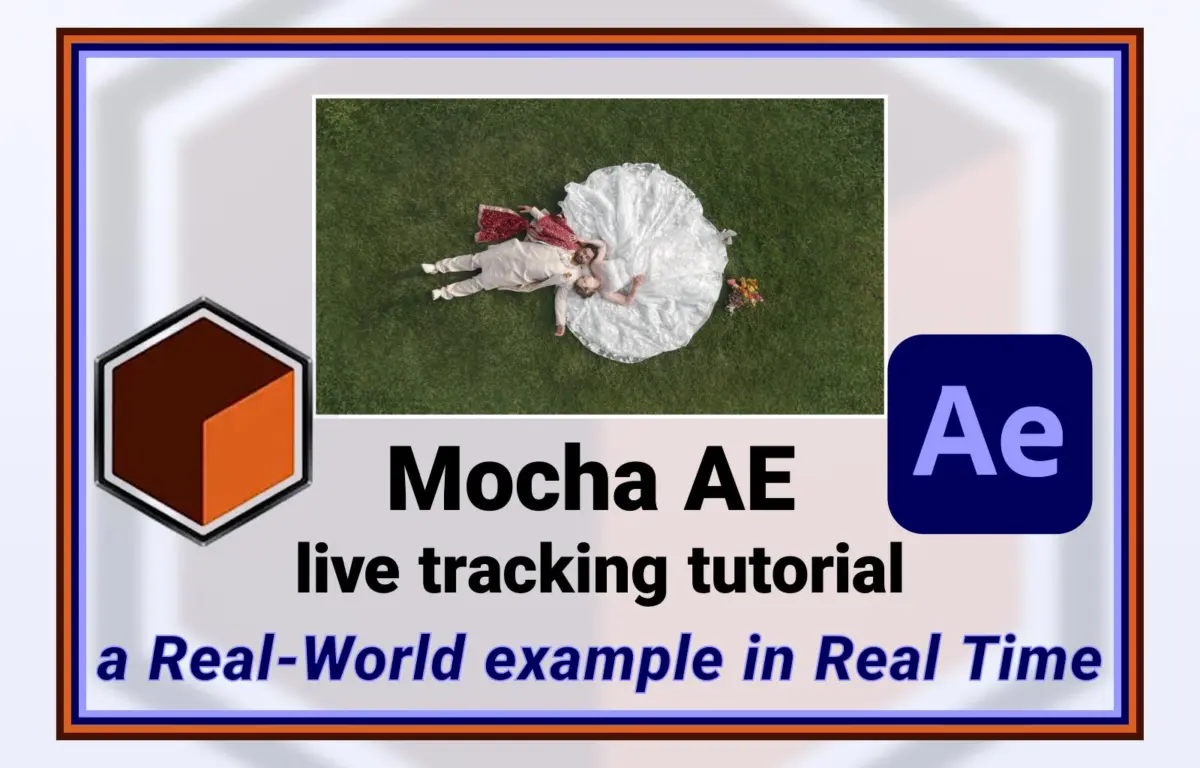
A recent collaborative initiative spearheaded by veteran visual effects artist and ProVideo Coalition contributor Chris Zwar highlights a growing trend of decentralized, community-driven education. What began as a routine introductory video tutorial on Mocha AE—the planar tracking software bundled with Adobe After Effects since 2009—quickly evolved into an unscripted, real-time masterclass in object removal.
Prompted by an active query on the Reddit forum r/AfterEffects, Zwar bypassed the conventional, highly polished tutorial format. Instead, he collaborated directly with an online forum user, acquiring raw, problematic footage to record a live, step-by-step diagnostic and troubleshooting session. This investigative report explores the chronology of this collaborative effort, the technical mechanics of Mocha AE’s planar tracking and reverse stabilization workflows, and the broader implications of unscripted, community-led pedagogy in the digital video industry.
Detailed Chronology: From Forum Query to Real-Time Solution
The development of this educational resource followed a rapid, serendipitous timeline that underscores the power of modern creative communities.
+-------------------------------------------------------------+
| Phase 1: Launch of Introductory Mocha AE Tutorial           |
| (Foundational guide on planar tracking basics published)     |
+-------------------------------------------------------------+
                              |
                              v
+-------------------------------------------------------------+
| Phase 2: Discovery on r/AfterEffects                        |
| (VFX artist spots a Reddit user struggling with object removal) |
+-------------------------------------------------------------+
                              |
                              v
+-------------------------------------------------------------+
| Phase 3: Collaborative Agreement                            |
| (Reddit user grants permission to use raw, real-world footage)|
+-------------------------------------------------------------+
                              |
                              v
+-------------------------------------------------------------+
| Phase 4: Live-Recorded Diagnostic Session                    |
| (Unscripted, real-time tracking, clean-plating, & delivery) |
+-------------------------------------------------------------+
Phase 1: The Foundational Release
In early 2025, Chris Zwar published a comprehensive video tutorial introducing After Effects users to the core capabilities of Mocha AE. Despite being bundled with Adobe After Effects for over fifteen years, Mocha AE remains an underutilized tool among self-taught editors and motion designers, who often rely on After Effects’ native, point-based tracking tools. The tutorial aimed to demystify planar tracking, establishing a baseline understanding of how Mocha analyzes surfaces rather than individual pixels.
Phase 2: The Reddit Catalyst
Shortly after releasing the introductory guide, Zwar was browsing the active r/AfterEffects community on Reddit. There, he encountered a post from a user facing a common but frustrating post-production hurdle: the need to clean-plate and remove unwanted physical elements from a moving shot. The user’s footage presented classic real-world complications, including organic camera jitter, perspective shifts, and complex textures.
Phase 3: Securing Raw Assets
Recognizing that describing complex spatial tracking workflows in a text-based Reddit comment is notoriously difficult, Zwar reached out to the original poster. Rather than pointing them to existing, idealized documentation, Zwar requested access to the raw video file. The Reddit user agreed, granting permission for their footage to be analyzed and featured publicly.
Phase 4: The Live Recording Session
Within days of the initial Reddit post, Zwar recorded a "mostly-live," unscripted session of himself analyzing the clip for the first time. Operating without a script or pre-rendered solutions, Zwar documented his trial-and-error process, showing viewers how an industry professional diagnoses tracking failures, adjusts search areas, and utilizes reverse stabilization to construct a seamless clean plate. The resulting video was published as an interactive sequel to his previous Mocha AE guide, bridging the gap between basic tool overviews and advanced, real-world problem-solving.
Supporting Context & Technical Deep-Dive: The Mechanics of Planar Tracking
To appreciate the significance of this real-time demonstration, it is essential to understand the underlying technology of Mocha AE and why it remains a cornerstone of visual effects workflows.
Planar Tracking vs. Point Tracking
Traditional tracking systems, such as the standard point tracker native to Adobe After Effects, analyze localized pixel contrast. They look for a specific point—like a high-contrast corner—and attempt to follow it frame-by-frame. This method is highly susceptible to failure when faced with:
- Motion Blur: The high-contrast point smears, causing the tracker to drift.
- Occlusion: An object passes in front of the tracking point, breaking the link.
- Out-of-Focus Elements: Soft details lose the sharp contrast needed for point analysis.
In contrast, Mocha’s Planar Tracker treats groups of pixels as flat, two-dimensional surfaces (planes). By tracking the relative motion of a larger area, Mocha can calculate translation, scale, rotation, skew, and perspective shifts (perspective warp). Even if a portion of the plane is obscured, blurred, or moves off-screen, Mocha uses the remaining visible pixels on that plane to calculate accurate tracking data.
| Tracking Metric | Native Point Tracker (After Effects) | Mocha AE Planar Tracker (Boris FX) |
|---|---|---|
| Analysis Basis | Individual high-contrast pixels | Entire user-defined geometric planes |
| Tolerance to Blur | Low (frequently drifts or fails) | High (calculates average motion of the plane) |
| Perspective Warp | Limited (requires complex four-point setups) | Native (calculates perspective, skew, and rotation) |
| Occlusion Handling | Fails immediately upon visual interruption | High (utilizes exclusion layers and area averages) |
The Power of Reverse Stabilization
One of the key techniques demonstrated in Zwar’s real-time video is reverse stabilization. This workflow is highly effective for clean-plating and object removal:
- Planar Tracking: The artist tracks the plane containing the object to be removed using Mocha AE.
- Stabilization: The tracking data is used to temporarily "stabilize" the footage around the target object. This effectively locks the moving surface in place, making it appear completely static on screen.
- Clean Plate Creation: With the target area stabilized, the artist can easily paint out, clone, or mask out the unwanted object on a single frame, or over a series of frames, without having to animate complex, frame-by-frame rotoscopes.
- Reverse Stabilization: Once the object is removed, the stabilization process is reversed. The tracking data is applied back to the clean patch, causing it to move, rotate, and warp in perfect synchronization with the original camera motion.
This methodology drastically reduces the time required to perform complex visual clean-ups, turning hours of frame-by-frame manual painting into a streamlined, highly precise operation.
The Value of Raw, Unscripted Pedagogy
In the visual effects industry, educational content is dominated by highly produced, heavily edited tutorials. While these videos are excellent for explaining where specific buttons are located, they often omit the realities of professional work.
[Polished Tutorial Model]
Perfect Footage -> Scripted Steps -> Flawless Execution (Hides troubleshooting phase)

[Zwar's Collaborative Model]
Problematic Footage -> Real-Time Diagnosis -> Adaptive Problem Solving (Teaches critical thinking)
By recording his workflow in real-time without prior preparation, Zwar offered viewers a rare look at professional problem-solving:
- De-stigmatizing Failure: Viewers watch an expert make mistakes, analyze why a track slipped, and adjust parameters accordingly. This normalizes the trial-and-error phase that is native to all VFX work.
- Adaptive Decision Making: Instead of showing a single "correct" path, the unscripted format demonstrates how to pivot when a specific technique fails. This helps junior artists build the critical thinking skills needed to troubleshoot their own unique projects.
- Workflow Efficiency: Watching an artist work in real-time highlights keyboard shortcuts, UI navigation habits, and subtle timeline adjustments that are usually edited out of shorter, highly polished videos.
Future Outlook: The Intersection of AI and Manual Precision
As the digital video industry looks to the future, the role of tracking tools like Mocha AE is being reshaped by artificial intelligence and machine learning. Technologies such as Adobe’s Content-Aware Fill and various generative AI paint tools promise one-click object removal.
However, industry experts emphasize that automated AI tools frequently struggle with temporal consistency, complex lighting shifts, and high-frequency textures. When AI-generated fills drift or flicker, they create visual artifacts that are instantly noticeable to the human eye.
Consequently, the future of high-end post-production lies in a hybrid approach. Planar tracking tools like Mocha AE will remain essential for providing the precise spatial coordinates and geometric frames that AI models need to generate temporally stable textures. By combining the automated pixel generation of AI with the rock-solid tracking data of Mocha, artists can achieve flawless results in a fraction of the time.
Chris Zwar’s spontaneous, community-driven initiative demonstrates that while software and automation continue to advance, the core principles of visual effects—analytical problem-solving, spatial tracking, and collaborative knowledge sharing—remain as vital as ever. By opening up his workspace and sharing his unscripted creative process, Zwar has provided a valuable roadmap for how online creative communities and industry veterans can collaborate to train the next generation of visual effects artists.