





Executive Overview
For over a decade, cross-platform file transfer between macOS and Android has remained one of the most persistent pain points in the consumer technology ecosystem. Despite the rapid maturation of both operating systems, the workflow required to move high-resolution video files, photos, and documents between an Apple computer and an Android device is still surprisingly fragmented. As Google quietly mothballs its legacy transfer software and pivots to wireless protocols that exclude macOS, independent developers have stepped into the vacuum.
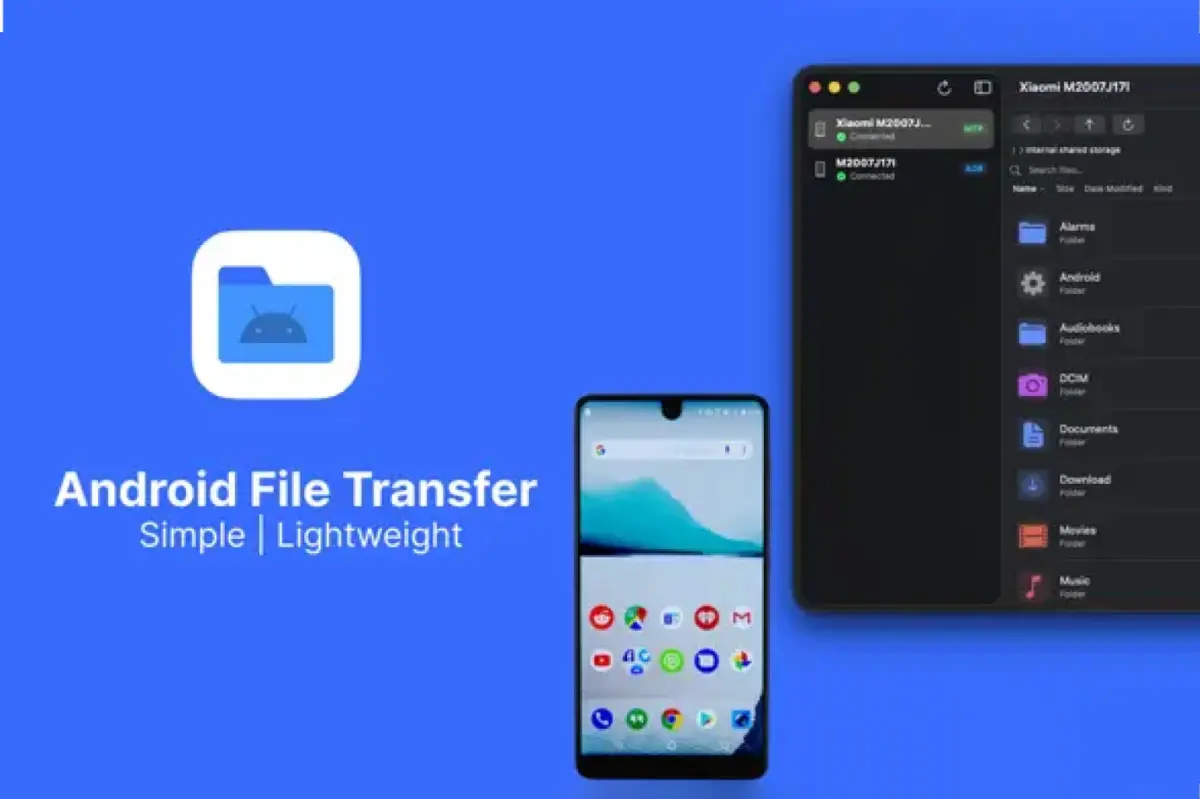
The latest entry to this niche market is ProDroid – Android Explorer, a lightweight, native macOS utility designed to facilitate direct file transfers over USB. Developed by independent programmer Aravind Chowdary, ProDroid represents a new breed of single-purpose utilities built specifically for modern Apple Silicon architecture. Priced at a flat $5, it arrives at a critical juncture: a time when professional content creators, mobile journalists, and multi-device power users are actively seeking reliable, low-overhead alternatives to bloated subscription software and defunct official tools.
This investigative report examines the current state of Mac-to-Android interoperability, chronicles the evolution of the software market, analyzes the technical differences between competing connection protocols, and evaluates how ProDroid positions itself against established giants like MacDroid.
Detailed Chronology: The Rise, Fall, and Rebirth of Cross-Platform Utilities
To understand why a new utility like ProDroid is necessary in 2024, one must trace the turbulent history of Apple-to-Android data pipelines.
[2012-2018: The AFT Era] ───> [2019-2023: The Ecosystem Split] ───> [2024: Modern Solutions]
  - Google's Android File        - Google abandons AFT            - ProDroid launches ($5, Apple Silicon)
    Transfer (AFT) dominates     - MacDroid introduces ADB/MTP    - MacDroid adds Wi-Fi transfer
  - Basic but functional         - QuickShare excludes macOS      - Legacy tools break on macOS Sonoma/Sequoia
The Era of Google’s Android File Transfer (AFT)
For years, the default solution for Mac-using Android owners was Google’s official Android File Transfer (AFT) utility. Released during the early days of Android, AFT was a bare-bones app that utilized the Media Transfer Protocol (MTP). While functional, the app was notorious for its unstable connection handshake, frequent crashes during large file transfers, and an outdated user interface that remained virtually unchanged for nearly a decade.
The Abandonment and the Legacy Vacuum
As Google shifted its ecosystem focus toward wireless sharing, AFT was quietly abandoned. The tech giant chose to promote QuickShare (formerly Nearby Share), a wireless transfer protocol designed to rival Apple’s AirDrop. However, QuickShare was built with deep integration for Windows and ChromeOS, leaving macOS users entirely out of the loop.
With AFT receiving no updates to support modern macOS system architectures—such as Apple’s transition from Intel x86 to Apple Silicon (M-series chips)—the utility began to fail entirely on macOS Ventura, Sonoma, and Sequoia. Users reported persistent device-not-found errors, system freezes, and corrupted transfers, leaving a massive opening in the market.
The Rise of Premium Alternatives
Seeing the writing on the wall, third-party developers began engineering robust, paid alternatives. In 2020, Electronic Team launched MacDroid, a sophisticated utility that allowed users to mount their Android devices directly as external drives in the macOS Finder. MacDroid introduced two distinct modes of operation:
- Single-Operation Mode (MTP): A user-friendly connection standard for transferring media files.
- Multi-Operation Mode (ADB): A faster, multiplexed connection utilizing the Android Debug Bridge, aimed at power users and developers.
Over the next four years, MacDroid established itself as the premium gold standard, continuously updating its codebase to support Apple Silicon and, by 2024, introducing wireless file transfers over Wi-Fi. However, MacDroid’s pricing structure—transitioning into a freemium model with an annual subscription for advanced features—left a segment of the market looking for a simple, affordable, one-time-purchase utility.
Enter ProDroid (Late 2024)
Recognizing the demand for a lightweight, modern, and reasonably priced transfer tool, developer Aravind Chowdary designed and released ProDroid – Android Explorer. Unlike legacy apps weighed down by years of backward-compatibility code, ProDroid was engineered from the ground up for modern Apple hardware, requiring Apple Silicon and macOS 14.6 or later.
Supporting Context & Technical Metrics: MTP vs. ADB
When transferring files between macOS and Android, the underlying protocol dictates both the speed and the reliability of the connection. Most utilities, including ProDroid and MacDroid, rely on two primary technologies: Media Transfer Protocol (MTP) and Android Debug Bridge (ADB).
| Metric / Feature | Media Transfer Protocol (MTP) | Android Debug Bridge (ADB) |
|---|---|---|
| Primary Use Case | Media ingestion, photo/video sync | Developer debugging, advanced file management |
| Connection Speed | Moderate (subject to protocol overhead) | High (multiplexed data packets) |
| Setup Complexity | Low (Plug-and-play after enabling USB transfer) | Medium (Requires enabling USB Debugging in Android Developer Options) |
| Reliability on macOS | Historically poor without specialized drivers | Highly stable, bypasses standard macOS storage limitations |
| File System Access | Restricted to user-facing media directories | Broad access to internal storage and system folders (permissions permitting) |
The MTP Bottleneck on macOS
Unlike Windows, which natively supports MTP at the OS level, macOS does not mount MTP devices out of the box. This is why connecting an Android phone to a Mac does not automatically show the device in the Finder sidebar.
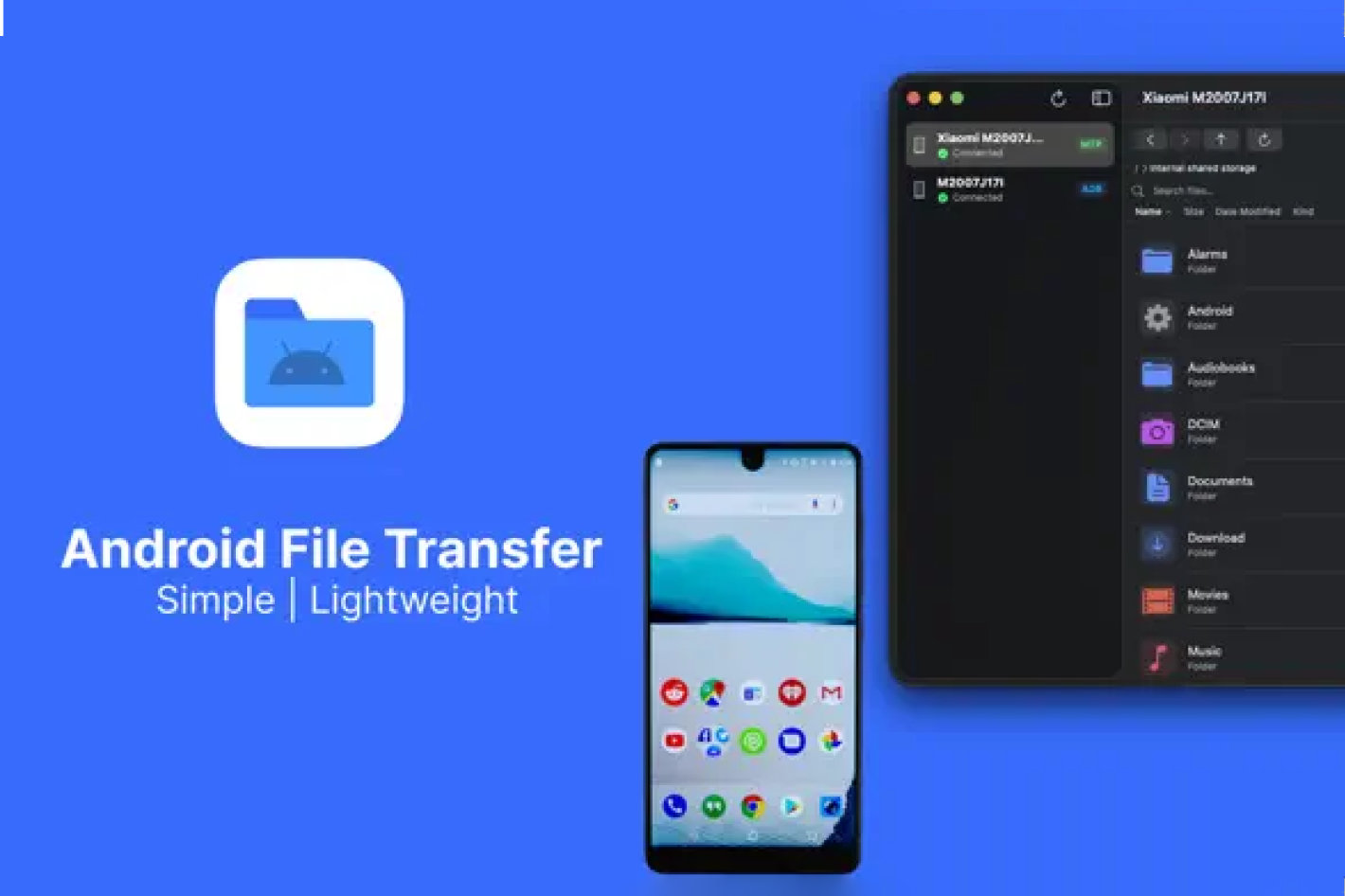
Software like ProDroid overcomes this by implementing a custom MTP driver or interface. When a user plugs in their phone, ProDroid acts as a bridge, reading the MTP file tree and presenting it in a clean, navigable user interface. For users who only need to drag and drop a few video clips or photo folders, MTP is the ideal choice because it requires no specialized setup on the mobile device.
The ADB Advantage
For large-scale transfers—such as 4K video files generated by modern mobile sensors—the ADB protocol is superior. ADB allows the transfer utility to open multiple data streams simultaneously (multiplexing). However, to use ADB, the user must unlock their Android phone’s "Developer Options" and toggle "USB Debugging" on.
ProDroid integrates both workflows, allowing users to choose the simplicity of MTP or the raw speed and stability of an ADB-based file explorer depending on the task at hand.
Official Statements & Developer Profile: Crafting Utility-First Software
The launch of ProDroid highlights a broader trend in the software industry: the rise of the independent developer-solopreneur. ProDroid’s creator, Aravind Chowdary, has spent over four years developing native applications for both iOS and Android.
A review of Chowdary’s portfolio reveals a distinct focus on utility-first applications designed to solve specific, practical problems for users:
- Handbrake.pro (Android): A mobile utility designed to quickly compress high-resolution video files, reduce file sizes, and convert formats to MP4 without sacrificing visual quality.
- Find That Photo (Android): An AI-assisted gallery tool designed to index, categorize, and search through cluttered local image archives.
- VideoCompressor – Tiny Video (iOS): A counterparts utility on iOS designed to optimize video files for fast sharing over messaging networks.
- Bhagavad Gita – Life & Purpose (iOS): A highly rated cultural and philosophical app, showcasing the developer’s versatility outside of pure technical utilities.
In documentation regarding the release of ProDroid, Chowdary emphasized the need for a modern codebase. By targeting Apple Silicon (M1, M2, M3, and M4 chips) and requiring macOS 14.6 (Sonoma) or later, ProDroid avoids the technical debt of supporting older Intel-based Macs. This allows the application to run with an incredibly small memory footprint, launch near-instantaneously, and leverage Apple’s native Swift and Metal APIs for rendering the user interface.
For a flat fee of $5, ProDroid positions itself as a direct consumer advocate utility, contrasting sharply with the industry-wide shift toward software-as-a-service (SaaS) subscription models.
Future Outlook: The Battle for the Cross-Platform Desktop
As we look toward the future of cross-platform desktop integration, the tension between closed ecosystems and open interoperability will continue to shape software development.
                  ┌──────────────────────────────┐
                  │   The Cross-Platform Split   │
                  └──────────────┬───────────────┘
                                 │
         ┌───────────────────────┴───────────────────────┐
         ▼                                               ▼
┌─────────────────────────────────┐             ┌─────────────────────────────────┐
│     Proprietary Ecosystems      │             │      Independent Utilities      │
├─────────────────────────────────┤             ├─────────────────────────────────┤
│ • Apple AirDrop (iOS -> Mac)    │             │ • ProDroid ($5, USB Native)     │
│ • Google QuickShare (And -> Win)│             │ • MacDroid (Freemium, Wi-Fi)    │
│ • High walled gardens           │             │ • Open standards, cross-OS      │
└─────────────────────────────────┘             └─────────────────────────────────┘
Regulatory Pressures and Open Standards
With the European Union’s Digital Markets Act (DMA) and global antitrust scrutiny forcing tech giants to open up their proprietary systems, there is a slim chance that Apple or Google may eventually be forced to support universal wireless transfer protocols. However, until official, native cross-platform support becomes a reality, third-party developers will remain the primary lifeline for users who straddle the OS divide.
The Evolution of the Professional Workflow
The demographic of users requiring high-speed Mac-to-Android transfers is evolving. It is no longer just casual consumers transferring music libraries; instead, it is dominated by:
- Mobile Journalists (MoJos): Who shoot 10-bit ProRes-equivalent video on high-end Android flagships (like the Samsung Galaxy Ultra or Xiaomi Ultra series) and edit on MacBook Pros.
- App Developers: Who require rapid deployment and file manipulation capabilities on physical test devices connected to their development machines.
- Digital Archivists: Who prefer offline, physical backups over subscription-heavy cloud storage solutions.
For these professionals, wireless transfer is often too slow or insecure for gigabyte-scale video assets. Physical USB-C cables, backed by robust software like ProDroid or MacDroid, remain the fastest and most secure pipeline.
Conclusion
The arrival of ProDroid – Android Explorer provides Mac users with an elegant, modern, and highly affordable tool that strips away the complexity of cross-platform file sharing. By focusing strictly on Apple Silicon and modern macOS versions, developer Aravind Chowdary has delivered a utility that respects both the user’s wallet and the system’s resources. As the legacy software of the past fades away, the future of the cross-platform desktop belongs to these highly optimized, independent utilities.