








Executive Overview
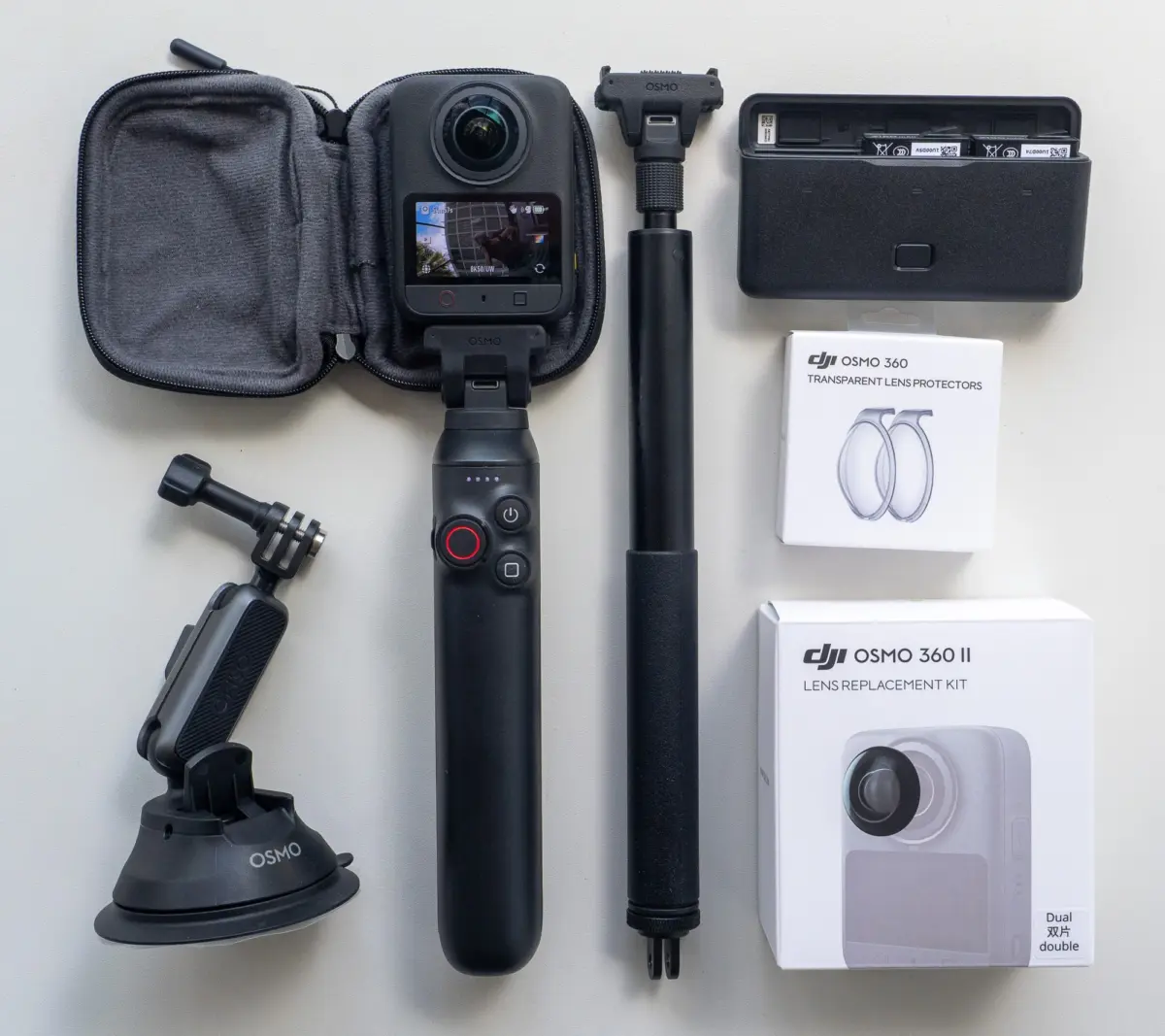
In the rapidly evolving landscape of immersive imaging, DJI has launched the Osmo 360 II. This second-generation panoramic camera presents a refined, highly iterative approach to 360-degree capture. On paper, the Osmo 360 II offers crucial enhancements: a claimed 14.5 stops of dynamic range, a massive 120-megapixel HDR still photo mode, 16K timelapse capabilities, and a highly requested field-replaceable lens system.
Yet, the launch of this hardware is overshadowed by a stark geopolitical reality. Due to escalating regulatory challenges and ongoing legislative scrutiny in the United States, DJI’s newest imaging equipment remains largely unavailable to American creators. For those in the rest of the world, however, the Osmo 360 II represents a compelling, highly durable tool designed to bridge the gap between action videography and virtual tour production.
This investigative review examines the technical evolution of the Osmo 360 II, detailing its physical upgrades, optical performance, and post-production workflows. While the hardware establishes a new benchmark for compact panoramic imaging, the camera is held back by persistent software bottlenecks in DJI’s proprietary desktop application, DJI Studio.
Detailed Chronology & Technical Evolution
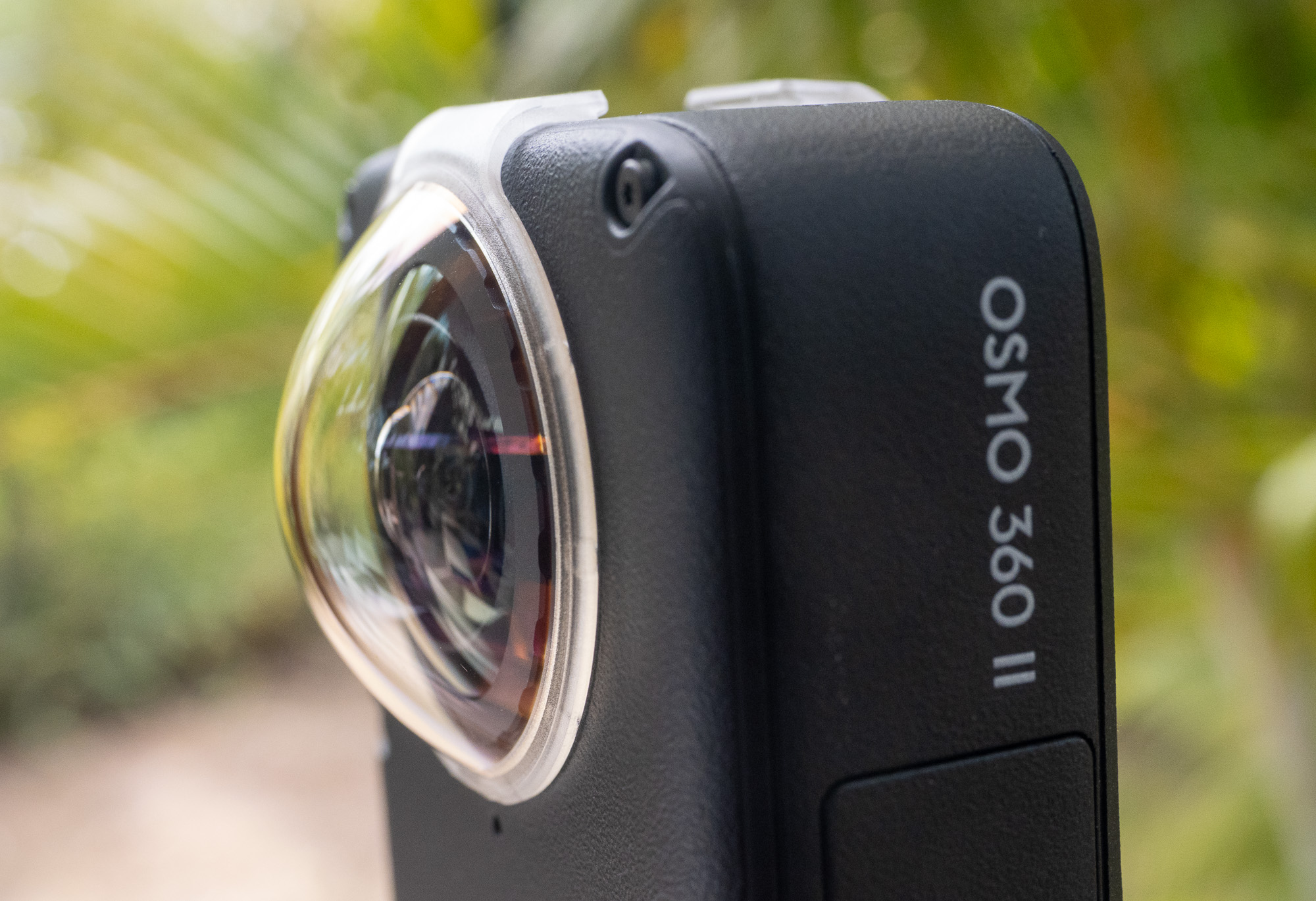
To understand the value proposition of the Osmo 360 II, one must analyze how it departs from its predecessor. While maintaining the core form factor and signature aesthetic of the original model, DJI has made several critical hardware modifications aimed at professional durability and field usability.
+-----------------------------------------------------------------------------+
|                         DJI Osmo 360 II Spec Sheet                          |
+------------------------------------+----------------------------------------+
| Max Video Resolution (360°)        | 8K at 60fps (Upgraded from 50fps)      |
| Claimed Dynamic Range              | 14.5 Stops                             |
| Max Still Resolution (HDR)         | 120 Megapixels (15,520 × 7,760 px)     |
| RAW Still Resolution               | 30 Megapixels (6,400 × 4,800 px)       |
| Max Timelapse Resolution           | 16K Equirectangular                    |
| Onboard Storage                    | 105 GB High-Speed Flash Memory         |
| Waterproofing Depth                | Up to 10 Meters (Without Housing)      |
| Single-Lens Maximum Resolution     | 4K with HorizonSteady (5K Omitted)     |
+------------------------------------+----------------------------------------+
Chassis Redesign and the Replaceable Lens System
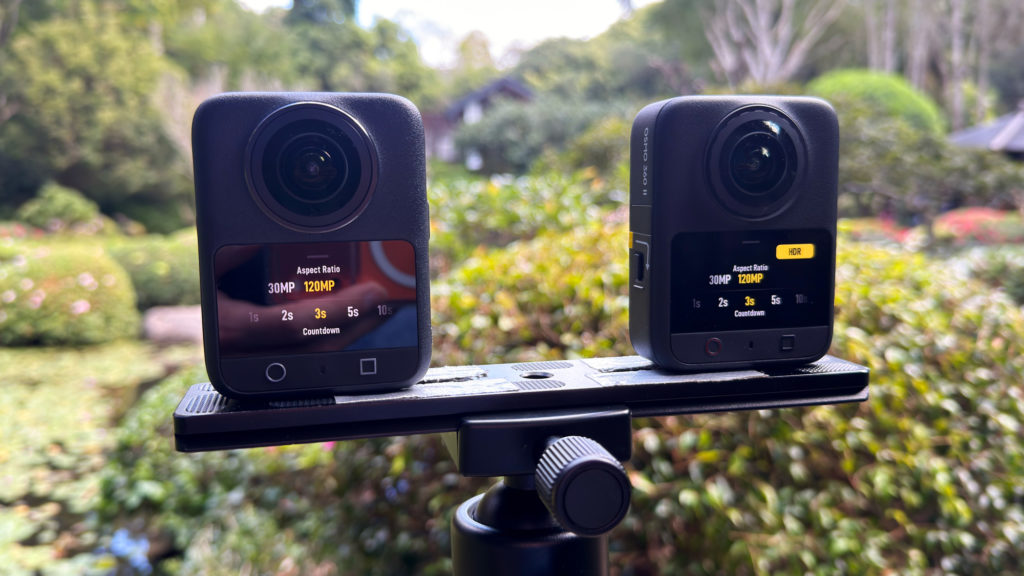
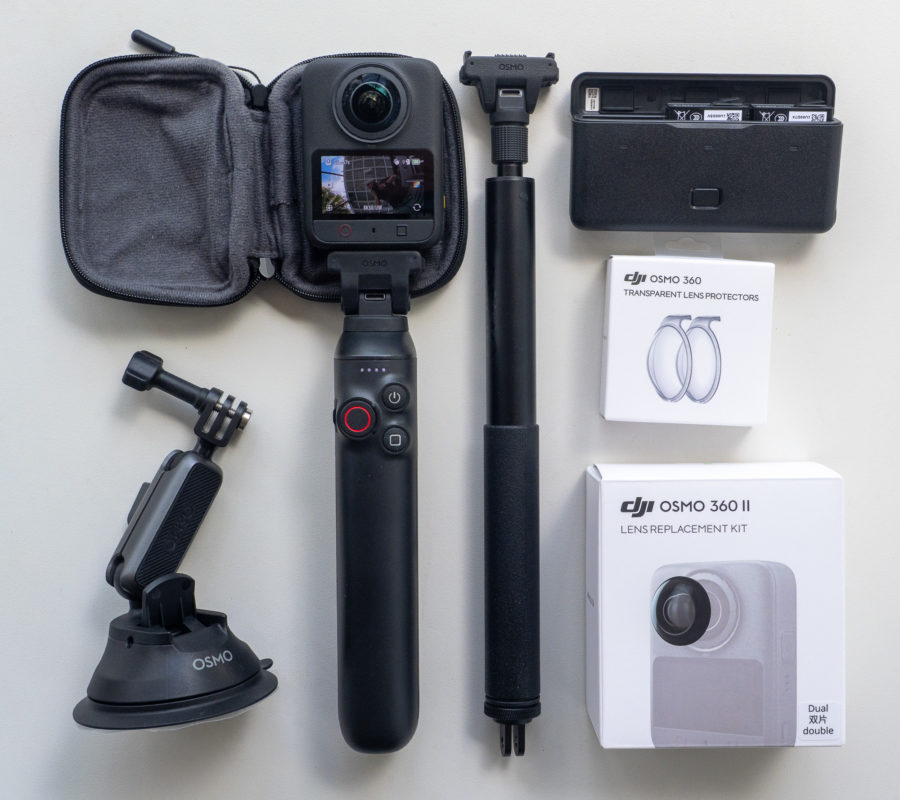
The most significant hardware triumph of the Osmo 360 II is its field-replaceable lens system. 360-degree cameras are inherently vulnerable; their bulbous, dual-fisheye lenses must protrude past the chassis protective margins to achieve a complete stitch. In previous generations, a single scratch or drop meant a costly, time-consuming manufacturer repair process, effectively bricking the camera for weeks.
DJI has resolved this pain point by introducing a user-replaceable lens kit. Users can now unscrew a damaged lens element in the field and mount a fresh one, preserving the camera’s structural integrity and optical alignment.
Other visible chassis adjustments include:
- "OSMO 360 II" branding clearly embossed on the lateral edge.
- A high-contrast red shutter/record button for better visibility in adverse environments.
- An enlarged microphone array positioned opposite the touchscreen, designed to improve spatial audio capture and wind-noise mitigation.
- 105 GB of integrated high-speed flash storage, mitigating the need for expensive, high-write-cycle microSD cards.
- A slightly higher-capacity battery cell that occupies the same physical footprint as the first-generation battery. Due to the higher processing demands of the upgraded image signal processor (ISP), the actual runtime remains virtually identical to the previous model.
Supporting Context & Metrics
Evaluating the Osmo 360 II requires looking past the marketing sheets to analyze its raw imaging performance, sensor readouts, and thermal limitations.
120MP HDR vs. 30MP RAW: The Still Photo Trade-off
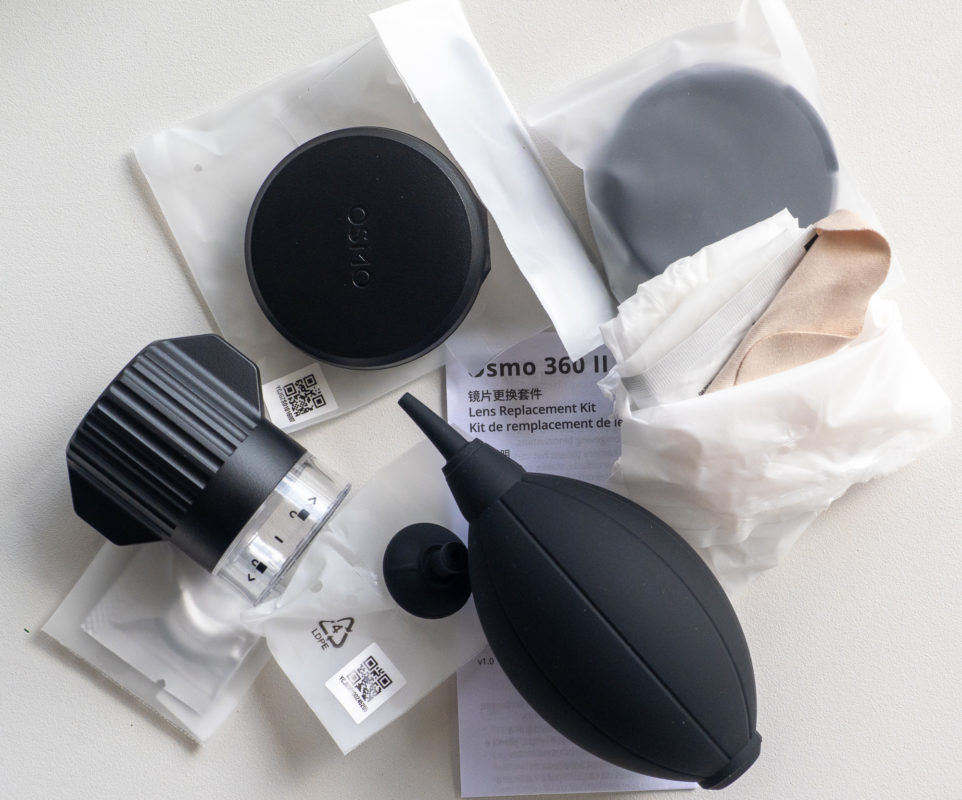
For virtual tour operators and real estate photographers, still image resolution and dynamic range are paramount. The Osmo 360 II introduces a 120-megapixel HDR mode producing images at a resolution of 15,520 × 7,760 pixels.
   Still Image Resolution Comparison (Osmo 360 II)

   120 MP (JPEG Only)  [=========================================] 15,520 x 7,760 px

   30 MP (RAW Mode)    [==========] 6,400 x 4,800 px
When comparing identical scenes shot on both the first-generation Osmo 360 and the Osmo 360 II, the generational leap in image processing is clear:
- Noise Reduction: The Osmo 360 II controls luminance and chromatic noise far better in high-contrast scenes, keeping shadow areas clean without turning fine details mushy.
- Format Constraints: The full 120MP output is restricted to JPEG only. Users requiring the flexibility of RAW digital negatives must drop down to 30 megapixels (6,400 × 4,800 pixels).
- Exposure Bracketing: The camera lacks deep manual exposure bracketing controls. This forces professional virtual tour creators to rely on DJI’s automatic HDR merging algorithms rather than capturing custom bracketed sequences for manual blending in Photoshop or PTGui.
Dynamic Range and Log Workflows
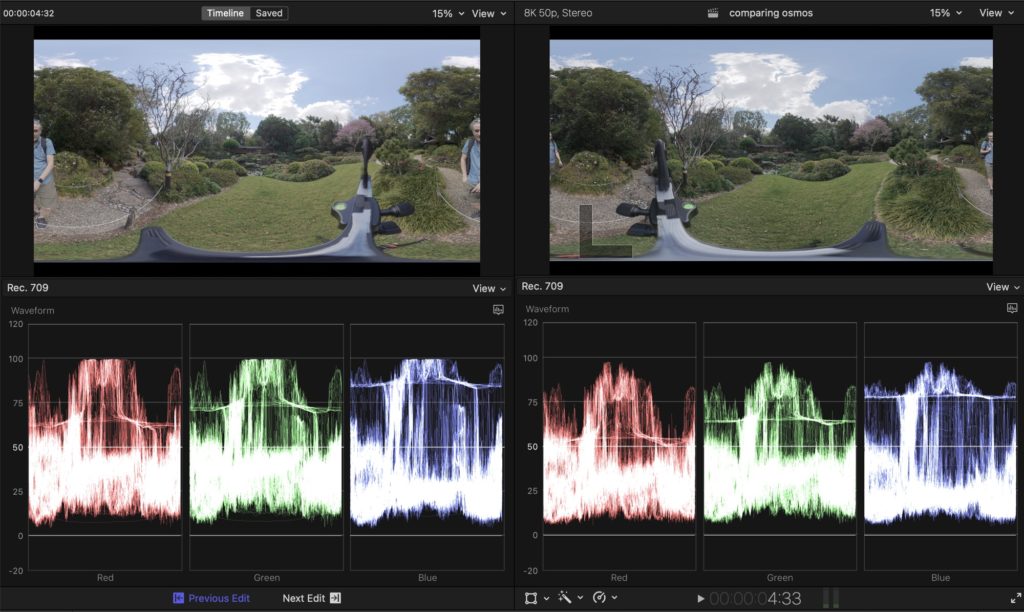
DJI claims a wide 14.5 stops of dynamic range on the Osmo 360 II. In real-world testing using the camera’s 10-bit D-Log M profile, this improvement is visible in how the camera handles highlight roll-off.
In outdoor environments—where a 360-degree lens is forced to capture the direct sun and deep ground shadows simultaneously—clipping is inevitable. However, the Osmo 360 II preserves significantly more mid-tone and highlight cloud detail than its predecessor.
Note on Image Calibration: Users should exercise caution when adjusting the camera’s internal sharpening parameters. Setting the internal Texture (Sharpening) to -1 on the Osmo 360 II produces a much softer, blurrier image than the same setting on the original model. For the most natural look that can be sharpened in post-production, setting Texture to 0 is recommended.
16K Timelapses: Supersampling vs. Output Limits
The headline addition of 16K 360-degree timelapse capture is a massive technical achievement that comes with a major caveat. While the camera sensor captures and compiles raw frames at 16K, DJI’s proprietary desktop stitching software, DJI Studio, caps its maximum equirectangular export at 8K.
Despite this output limitation, shooting in 16K is still highly beneficial. The downsampled 8K video displays superior clarity, lower aliasing, and reduced moiré patterns compared to native 8K captures. Additionally, the extra resolution provides editors with immense reframing flexibility, allowing them to crop into a tight 1080p or 4K frame without losing detail.
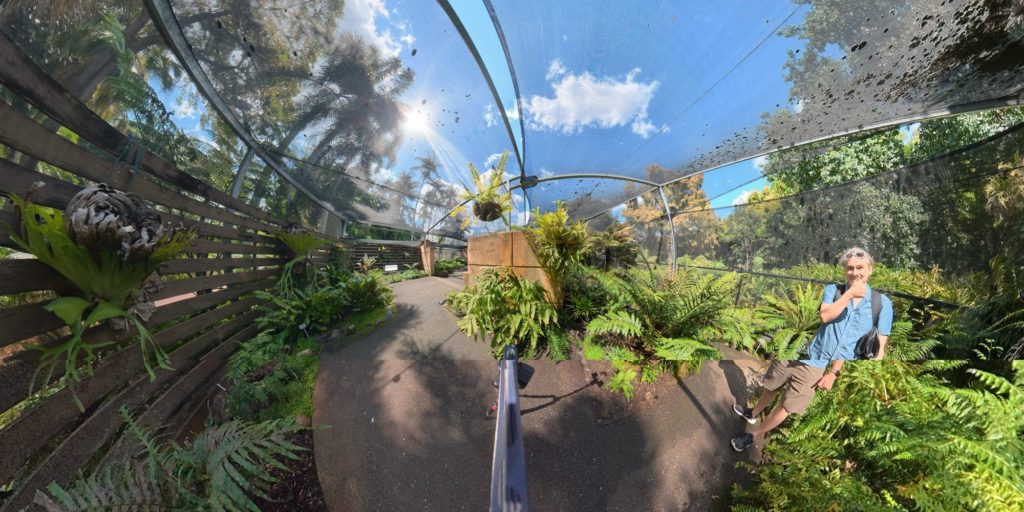
However, this resolution boost impacts interval speeds. When capturing in 16K HDR, the minimum interval delay between frames is locked to 3 seconds (or 2 seconds in 8K HDR). The original Osmo 360 allowed for a rapid 1-second interval in 8K mode, meaning the new model is less suited for high-speed vehicle hyperlapses or fast-moving clouds.
Thermal Behavior and SuperNight Mode
Pushing the camera’s dual sensors to 8K at 60fps (an upgrade from the previous 50fps limit) places a heavy burden on the camera’s passive cooling system. Under sustained 8K 60fps recording in warm environments, the camera displays an overheating warning. While testing did not result in thermal shutdowns, users filming long, continuous takes in direct sunlight should monitor the device’s temperature.
+-----------------------------------------------------------------------------+
|                       SuperNight Mode Performance Map                       |
+-----------------------------------------------------------------------------+
| Frame Rate | Light Intake | Motion Artifacts | Recommended Use Case         |
+------------+--------------+------------------+------------------------------+
| 60 fps     | Reduced      | Low-to-Moderate  | Handheld, matching day rates |
| 30 fps     | High         | Moderate         | Static tripod, low noise     |
| 24/25 fps  | Maximum      | High (Floaty)    | Static tripod, extreme dark  |
+------------+--------------+------------------+------------------------------+
The camera’s low-light performance is enhanced by an upgraded SuperNight Mode, which now supports 8K at 60fps. The camera utilizes multi-frame temporal noise reduction to pull clean images out of near-darkness.
However, this processing can introduce a "floaty" aesthetic with visible masking artifacts around fast-moving subjects. For the cleanest low-light results, creators should mount the camera on a static tripod and drop the frame rate to 24fps or 30fps, allowing for longer physical shutter speeds and cleaner sensor readouts.
Official Statements & Critical Analysis of Workflows
While DJI’s hardware engineering continues to impress, its software ecosystem remains a bottleneck for high-volume post-production workflows.
The .OSV Proprietary File Bottleneck
The Osmo 360 II records video files in a proprietary format with the .OSV extension. These files cannot be read directly by non-linear editors (NLEs) like Final Cut Pro, Adobe Premiere Pro, or DaVinci Resolve without translation.
To edit this footage, creators must use DJI Studio to stitch and convert the .OSV container into standard equirectangular projection files (typically encoded in ProRes or H.264/H.265). This workflow introduces several key frustrations:
- No Direct Batch Export: Editors cannot simply queue raw files for direct batch conversion. Instead, users must manually drag clips onto a timeline within DJI Studio before exporting them.
- Loss of Filename Metadata: When exporting from a DJI Studio timeline, the software often discards the original source filenames, creating a disorganized mess of clips that is difficult to manage on large projects.
- Frame Rate Timeline Locking: DJI Studio restricts each timeline to a single, locked frame rate. If a creator shoots b-roll at 24fps, 30fps, and 60fps, they must build separate timelines for each frame rate to prevent the software from converting and degrading the footage during export.
[Raw .OSV Clips] ---> [Must Manual-Import to DJI Studio Timeline] ---> [Lose Filename Metadata] ---> [Stitched Equirectangular ProRes] ---> [Import to Premiere/FCP/Resolve]NLE Reframe Integration
For creators who prefer to reframe their panoramic footage directly inside their editor of choice, the software landscape is split:
- Premiere and Resolve: DJI provides official DJI Reframe plugins, allowing editors to manipulate pitch, yaw, roll, and field-of-view (FOV) using keyframes.
- Final Cut Pro (FCP): While FCP has native 360-degree video support, it lacks fine-grained keyframe graph tools for smooth camera moves. Editors must rely on third-party utilities, such as Keyframe Toolbox’s 360 Reframe plug-in, to execute precise, ramped camera movements.
The Single-Lens Mode Downgrade
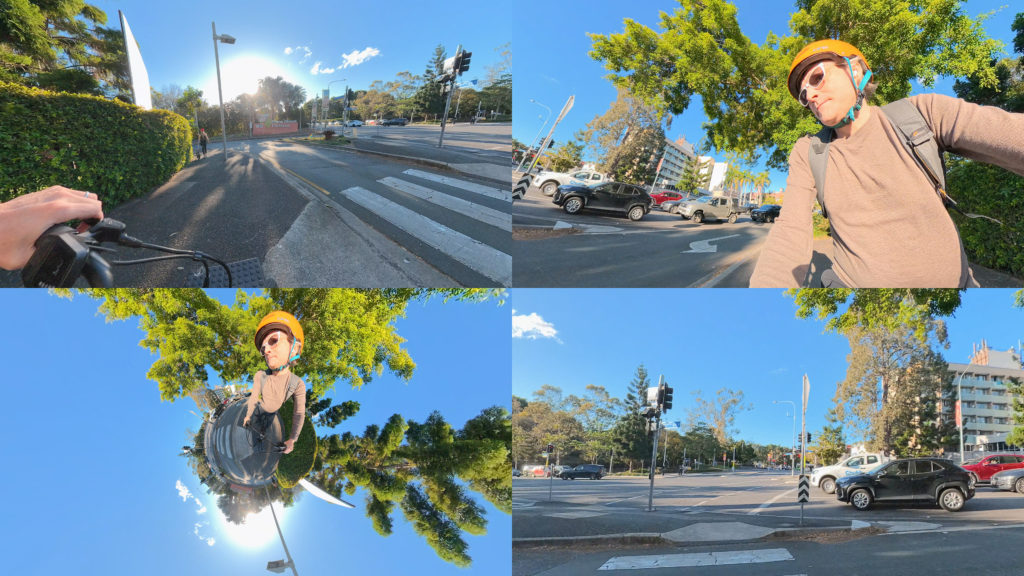
In an unexpected move, DJI has altered the single-lens operation mode on the Osmo 360 II. When using the device as a standard, non-panoramic action camera, the system utilizes a new HorizonSteady stabilization mode (available exclusively in a 16:9 aspect ratio).
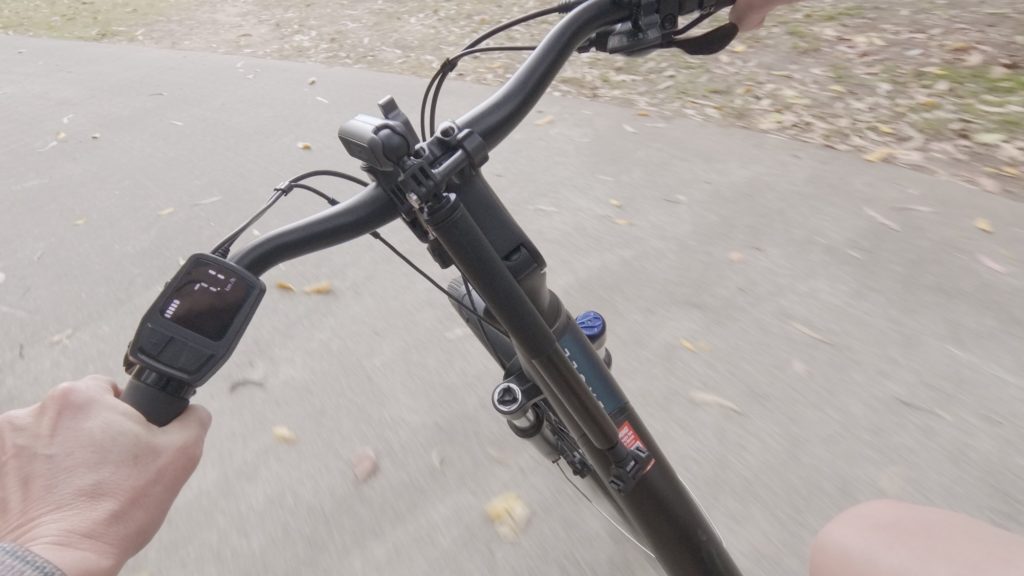
However, DJI has removed the 5K single-lens recording mode found on the original Osmo 360, capping the second-generation model at 4K. While the 4K footage remains sharp and highly stabilized, losing 5K is a disappointing step backward for editors who rely on the extra resolution to crop and reframe standard action shots in post-production.
Future Outlook & Competitive Landscape
The DJI Osmo 360 II enters a highly competitive marketplace dominated by established players like Insta360. To succeed, the camera must overcome both competitive pressures and severe geopolitical headwinds.
                       The Panoramic Camera Landscape

     Insta360 Ecosystem                         DJI Ecosystem
   +--------------------+                     +--------------------+
   | Wide US Retail     |                     | Restricted US Sale |
   | High Software R&D  |                     | Industry-Leading   |
   | Deep App Suite     |                     | Drone/Gimbal Tech  |
   +----------+---------+                     +---------+----------+
              |                                         |
              +--------------------+--------------------+
                                   |
                         [Consumer Decision]
The Geopolitical Reality
For creators based in the United States, buying the Osmo 360 II is a complicated process. Due to ongoing national security discussions, legislative blacklisting efforts, and potential retail bans facing DJI’s broader drone and camera catalog, the Osmo 360 II is currently not sold through official US retail channels.
This regional restriction splits the global creator community. While European, Asian, and Australian videographers can easily purchase the camera and its accessories, US-based creators are forced to rely on parallel imports, which can complicate warranty claims and replacement part availability.
Ecosystem Integration
For those who can purchase the camera, the decision often comes down to brand loyalty. Camera choice is increasingly driven by ecosystem integration rather than minor differences in image quality:
- Microphone Integration: The Osmo 360 II integrates seamlessly with the DJI Mic system, allowing for wireless audio receiver-free pairing.
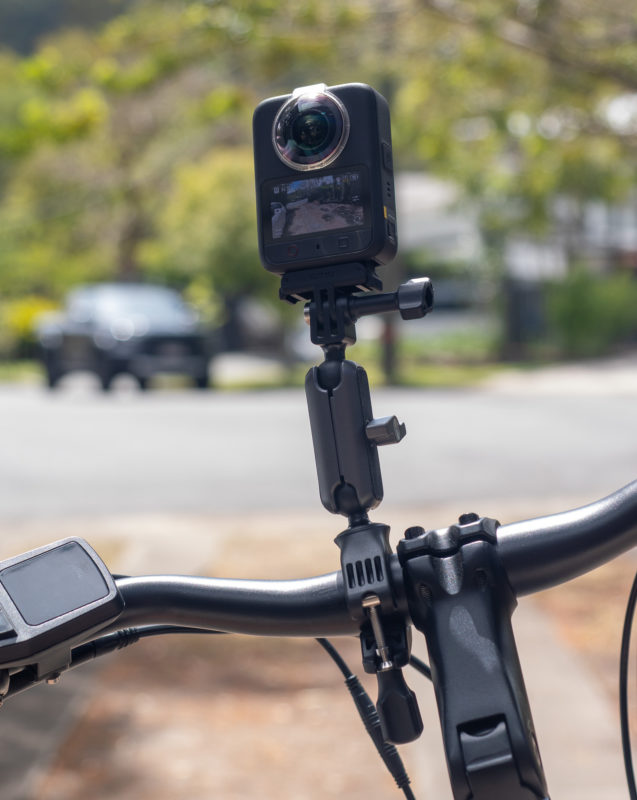
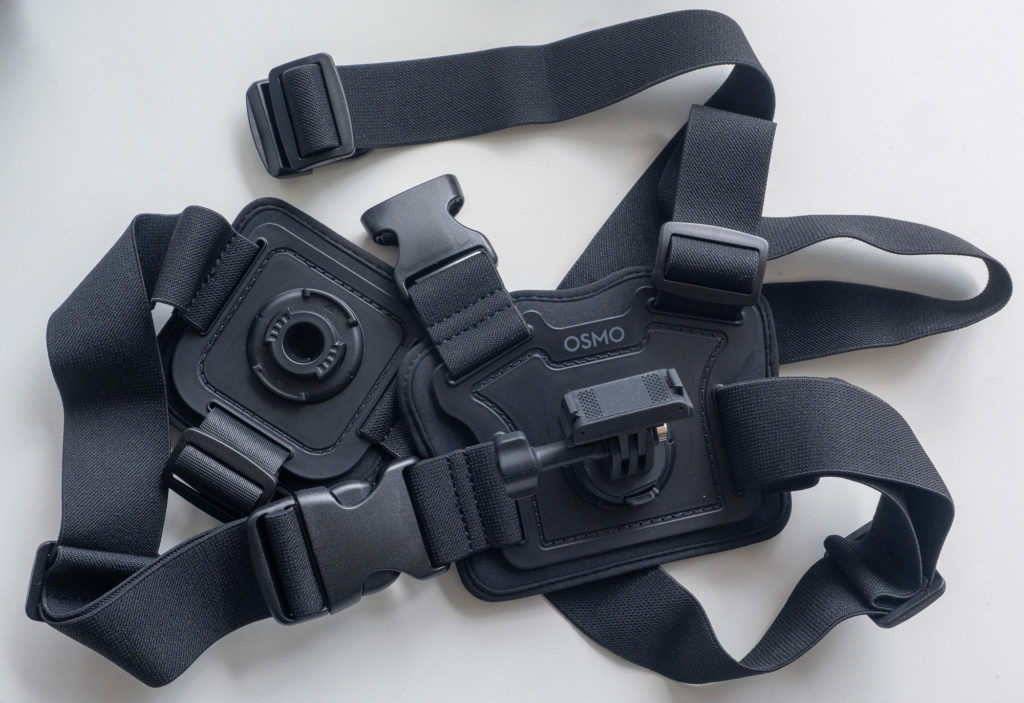
- Shared Mounts: The camera utilizes the same magnetic quick-release mounting system as the DJI Action series, making it easy to swap accessories in the field.
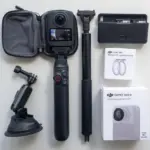
- Power Delivery: The Battery Extension Rod duplicates the physical camera controls (trigger, flip, power) directly on the handle, making it an essential, highly ergonomic accessory for solo travelers and run-and-gun shooters.
Conclusion
The DJI Osmo 360 II is a robust, beautifully constructed hardware upgrade. Its replaceable lenses solve the biggest durability issue of 360-degree cameras, while its 14.5 stops of dynamic range and 120MP HDR stills deliver professional-grade image quality.
However, to truly unlock the camera’s potential, DJI needs to overhaul its desktop software to streamline post-production workflows. If DJI can resolve these software bottlenecks and navigate its ongoing US regulatory challenges, the Osmo 360 II will stand as one of the finest panoramic tools on the market. Until then, it remains a brilliant piece of hardware restricted by software limitations and geopolitical borders.